Understanding TradingView and Its Core Features
TradingView has emerged as a leading platform for traders and investors, offering a comprehensive suite of analytical tools and social networking features. Designed to streamline the trading process, TradingView allows users to track market movements, analyze charts, and engage in community discussions about trends and strategies, all from one unified interface. TradingView effectively bridges the gap between novice traders learning the ropes and experienced professionals refining complex strategies.
What is TradingView?
TradingView is an advanced charting platform that serves as both a standalone service and a social network for traders. It offers users the ability to visualize market data through sophisticated charts, apply various technical indicators, and share insights with a community of like-minded individuals. With real-time data coverage across a wide range of asset classes—including stocks, forex, cryptocurrencies, and derivatives—TradingView provides the flexibility and capabilities necessary for effective market analysis.
Key features of TradingView for effective trading
- Multi-Asset Class Support: Users can easily switch between various asset types, ensuring that they have all market information at their fingertips.
- Customizable Charts: Traders can alter chart layouts, incorporate multiple indicators, and apply drawing tools to personalize their analysis process.
- Social Networking: The platform allows users to follow other traders, share insights, and learn from a global community, enhancing their trading strategies.
- Alerts and Notifications: With price alerts and custom notifications, you can stay updated without the need for constant screen time.
- Pine Script: TradingView's scripting language enables users to create custom indicators and strategies to enhance their trading experience.
How TradingView integrates different asset classes
One of the standout features of TradingView is its ability to seamlessly integrate different asset classes into one platform. Whether you're trading stocks, cryptocurrencies, or forex, you can find the relevant data without needing to switch platforms. This is especially valuable during volatile market conditions where timing is key and having immediate access to multiple markets can mean the difference between profit and loss.
Setting Up Your Trading Environment
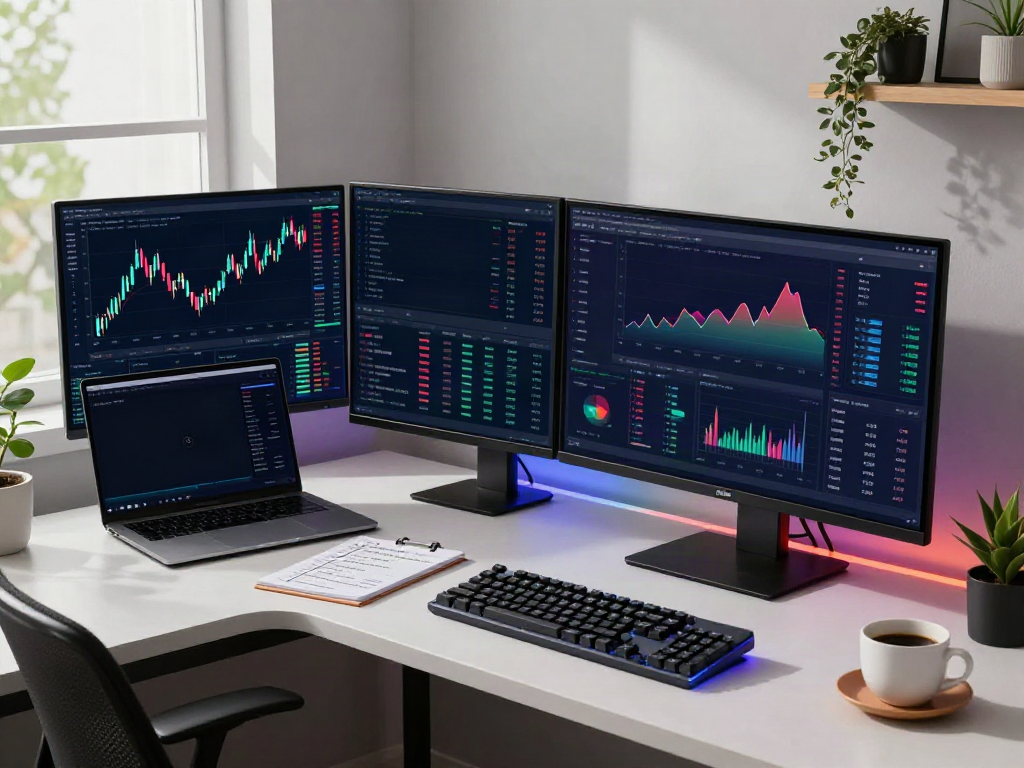
Creating an optimal trading environment is crucial for success. TradingView offers extensive customizable options that can enhance your trading experience and facilitate better decision-making.
Choosing the right interface for your trading style
The user interface on TradingView is designed with flexibility in mind. You can select from various layouts and arrange your charts to suit your trading style. For instance, day traders might prefer a layout that emphasizes short-term movements, while swing traders may benefit from longer time frames. Experimenting with these layouts can help you find what best fits your trading strategy.
Customizable layouts: Making TradingView work for you
TradingView allows users to create multiple layouts that can be saved for different trading scenarios. For example, you might have one layout for stocks and another for forex, each configured with the necessary indicators and tools specific to those asset classes. This way, you can switch easily between different trading strategies without the hassle of constantly adjusting settings.
Mobile access: Trading on the go with TradingView
With the TradingView mobile app, traders can monitor their positions and analyze charts on the go. The mobile platform retains many features available in the desktop version, allowing you to set alerts and execute trades from anywhere. This is crucial for active traders who need to stay connected to the market at all times.
Utilizing TradingView for In-Depth Analysis
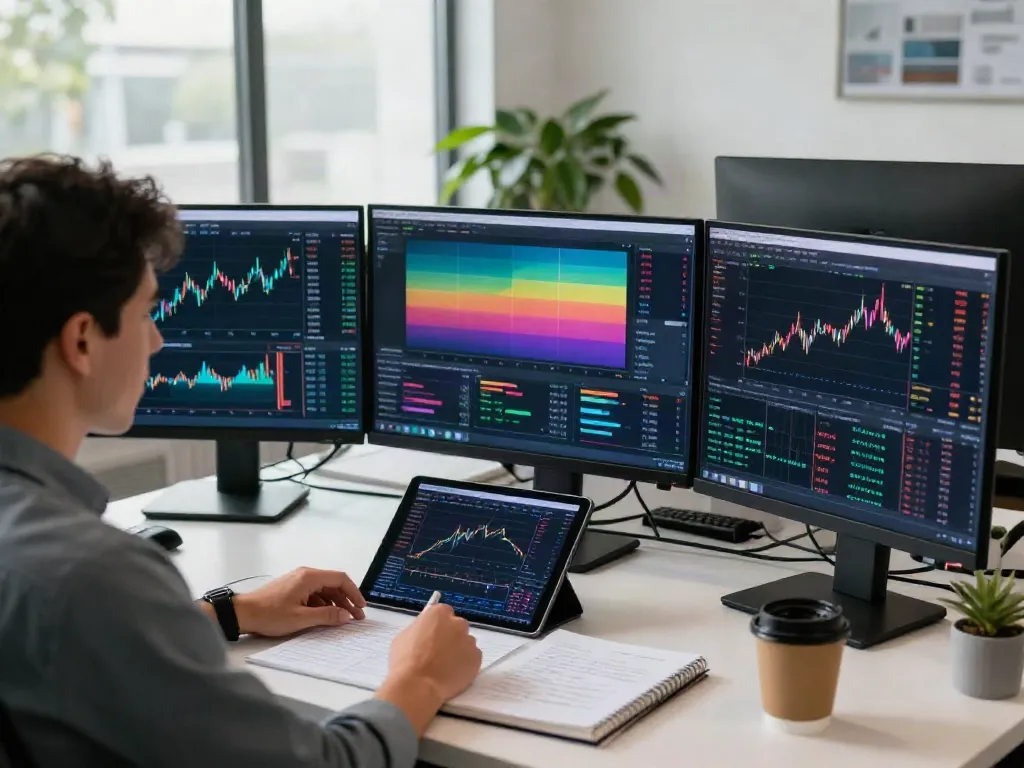
To achieve trading success, in-depth analysis is paramount. TradingView equips users with various tools and resources to conduct thorough market research.
How to apply technical indicators effectively
Technical indicators are essential for identifying potential trading opportunities. TradingView offers a broad spectrum of indicators such as moving averages, Bollinger Bands, and RSI. By applying these indicators effectively, traders can analyze trends and make informed decisions. It's important to backtest your strategies using historical data to understand how these indicators will perform in different market conditions.
Leveraging community insights and shared strategies
TradingView includes features that promote community interaction, where users can share strategies, insights, and analyses. Engaging with the community can provide fresh perspectives and innovative strategies that you might not have considered. This collaborative environment can significantly enhance your trading approach.
Implementing backtesting strategies with TradingView
One of TradingView's powerful features is its backtesting capability, which allows users to test their trading strategies against historical data. By simulating how a strategy would have performed in the past, traders can identify strengths and weaknesses before risking real capital. This feature can be invaluable in refining trading strategies for better performance in live markets.
Real-Time Alerts and Notifications
Staying informed about market conditions is critical for timely decision-making. TradingView's alert system offers an effective way to keep updated without constant monitoring of charts.
Setting price alerts for optimal entry and exit points
Price alerts can be set to notify you when an asset reaches a certain price point. This allows you to focus on your analysis and trading strategies rather than constantly watching the charts. TradingView also supports alerts based on technical indicators, which can provide extra layers of notification based on market conditions.
Using TradingView’s alert system to stay informed
The alert system is highly customizable; users can set alerts based on price movements, technical indicator thresholds, or even custom conditions using Pine Script. This flexibility ensures that traders are informed of key market movements that impact their strategies.
Maximizing efficiency with custom notifications
Custom notifications are another powerful feature that can help streamline your trading workflow. You can create alerts for specific setups, ensuring that you’re notified only when conditions meet your precise criteria. This reduces noise and allows you to concentrate on actionable insights rather than trivial market movements.
Future Trends in Trading with TradingView
The trading landscape is ever-evolving, and staying ahead of the curve is essential for traders looking to maximize their success. As we look towards 2026 and beyond, several trends are likely to shape the future of trading.
Emerging technologies and their impact on trading platforms
Technological advancements, including AI and machine learning, are set to revolutionize trading platforms. TradingView is likely to integrate more sophisticated algorithms that can analyze vast amounts of data and provide predictive insights, making it easier for traders to spot trends and opportunities before they materialize.
Predictions for TradingView in 2026 and beyond
As TradingView continues to enhance its offerings, we can anticipate further developments in user interface design, data analytics, and community features. New tools are expected to enable more intuitive analyses and a more interactive experience within the platform. The focus will likely shift towards empowering users to make data-driven decisions with real-time insights.
How to adapt to future trends using TradingView’s tools
To stay relevant in the evolving trading environment, users should embrace the platform's new features as they are released. Engaging with the TradingView community can provide insights into how others are adapting their strategies. Additionally, staying educated on emerging technologies in trading can help you leverage tools like TradingView to maximize your trading performance.
Is TradingView actually free?
TradingView offers a free tier with essential features, making it accessible for beginners. However, advanced functionalities, such as multiple indicators on one chart or additional alerts, may require a subscription. Understanding your trading needs will help determine whether to stick with the free version or invest in a premium plan.
What are the advantages of using TradingView over other platforms?
TradingView stands out due to its user-friendly interface, robust community engagement, and extensive analytical tools. While other platforms may focus on one area of trading, TradingView provides a holistic experience by merging social interaction, technical analysis, and real-time data into one platform.
How can I get started with TradingView?
Getting started with TradingView is straightforward. Simply visit their website to sign up for a free account. Once registered, you can explore the platform's features, customize your dashboard, and start analyzing various markets. Engaging with the community for tips and insights can also accelerate your learning curve.
Can you trust TradingView for real-time trading?
TradingView is a well-established platform used by millions of traders worldwide. It is recognized for providing accurate real-time data and a secure environment for trading. However, as with any trading platform, users should conduct their own due diligence and start with a demo account to familiarize themselves with the features.
What are the best features of TradingView for day trading?
For day traders, TradingView provides several key features that enhance trading efficiency. Real-time data feeds, customizable chart layouts, advanced technical indicators, and the alert system are particularly beneficial. These features enable traders to make quick decisions based on market movements, which is crucial in day trading scenarios.